

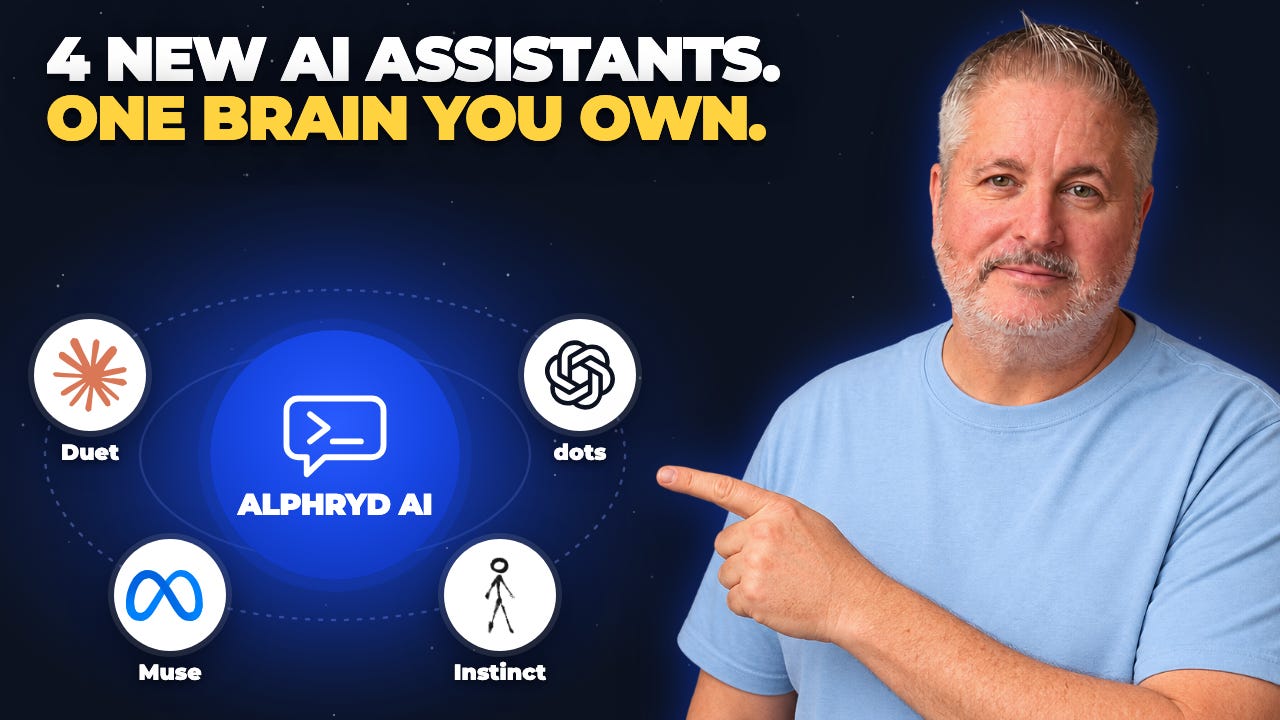
Claude launched Duet today. OpenAI has dots. Meta has Muse. There’s also Instinct, which you can text or call like an assistant.
If you’re still trying to get some use out of the AI you already have, now you’ve got four more names to sort through.
We’re moving toward AI that can keep working after you close the chat. You give your assistant a job, connect the tools it needs, and come back to review the work. The assistant can also notice something that needs your attention and bring it to you.
Think about an email you meant to answer. Having a draft ready when you sit down is useful. Having to remember the email, find it, copy it into a chat, and ask for the draft still leaves a lot of the work with you.
The promise is getting more of the work done without us directing every step.
So where do these new assistants fit?
Meta’s Muse handles everyday jobs like planning, shopping, and scheduling. You can use the Muse app, with WhatsApp reportedly on the way, to hand over a job without building your own system.
OpenAI’s dots works inside ChatGPT and can use your connected apps to research, create things, and carry on with a project. If you already use ChatGPT for your work, it’s worth exploring. It’s rolling out gradually to Pro, Business, and Enterprise plans.
Instinct takes the conversation to your phone. You can text or call it and ask it to get something done. Texting may suit you if another app is the last thing you want.
Claude’s Duet is aimed at professionals and small business owners. It can brief you on your connected apps, watch for things that need attention, and work on jobs you give it. It’s a research preview, and access starts with a waitlist for US Pro and Max subscribers.
My take is we’re still early. These assistants can do useful work, but an early release means you’re helping find the mistakes. You still have to deal with whatever happens when the assistant makes one.
There’s a big difference between a bad draft you can throw away and a bad email that’s already gone to a customer.
So I’d pick one you already have access to and try it without connecting any accounts first. Get a feel for how the assistant follows instructions, what needs correcting, and whether the answers hold up when you check them.
Then connect one tool at a time and give the assistant a small job. I’d leave the bank account out of the first experiment.
I’m all for trying these tools. I expect we’ll see more calling, texting, and video, along with assistants that work with teams and families. Which tool makes sense today could change in a few weeks.
That’s why I want the time I spend teaching my AI about my life and business to carry forward, whichever tool I use next. A new assistant might be better at a particular job. That doesn’t mean I should have to rebuild everything I’ve taught my AI about my business.
So I built Alphryd.
My Alphryd folder holds my second brain. Who I am, how my business works, how I write, what matters to me, and what we’ve learned from doing the work together.
I can bring that knowledge to whatever AI I’m working with. The assistant starts with my life and business instead of making me explain everything again.
That’s what I mean by sovereign AI. I own the knowledge that makes the assistant useful to me, and I choose which AI I use.
So try the tools. Find out where each one helps. As you do, pay attention to how you can bring your own knowledge in and get your work back out.
Keep what you learn in your own second brain. Your preferences, your corrections, the instructions that worked.
Every experiment should leave you with more knowledge you can use again.
That’s how you keep moving forward while the tools keep changing.
BG
P.S. To learn more about how I built Alphryd, visit: Alphryd AI